This week we focused on video production. Now full disclosure, video production is not my forte. This was my first time attempting a video that is long enough to post on YouTube. My previous expertise maxed out at 60-second TikToks, and those were nothing to write home about.
It was fascinating to read articles and watch videos explaining the ins and outs of video production. I may be the last to know, but I was shocked to learn just how much goes into producing a quality video. I started off small with what I know, the written content.
First, I brainstormed what I wanted to create, and settled on a video detailing my top 10 favorite books. Once I had that list narrowed down, I started writing a script. My script turned out to be four pages long. For some reason, I thought that meant a longer video, but It only added up to a little over five minutes.
Once I had the script finalized, I started storyboarding. I picked a color scheme, an outfit, and a backdrop that I felt matched the theme of the video. I did not think ahead on that backdrop, however, and it took a LOT of editing to make a YouTube quality video with it. I will consider that lesson learned!
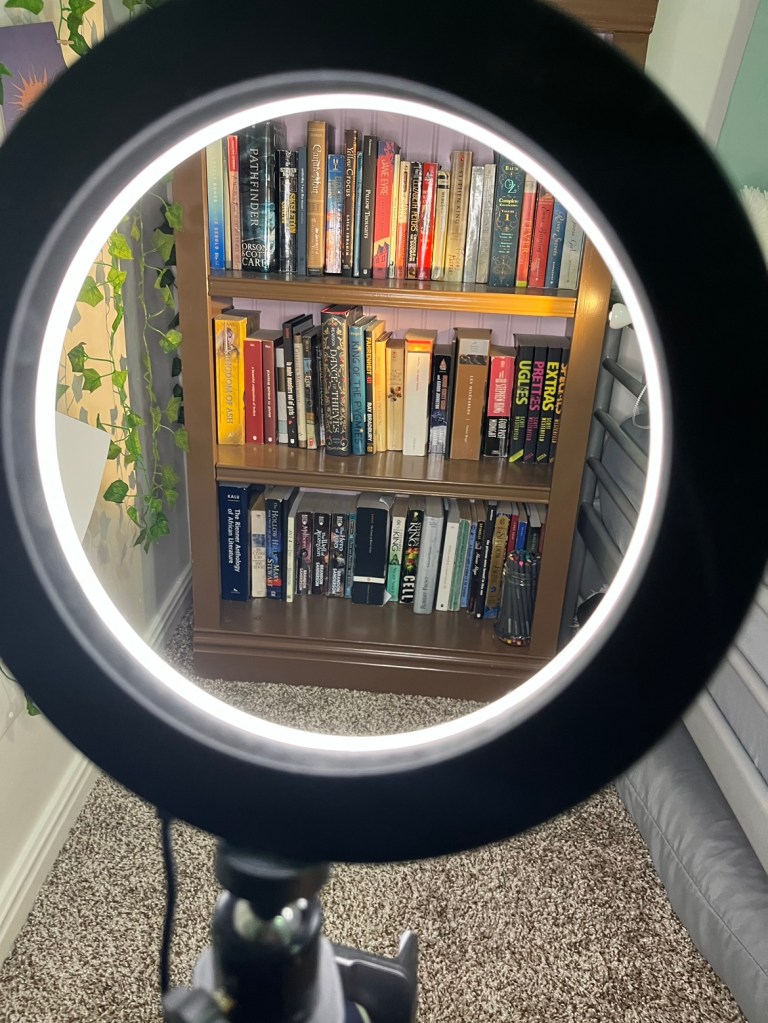
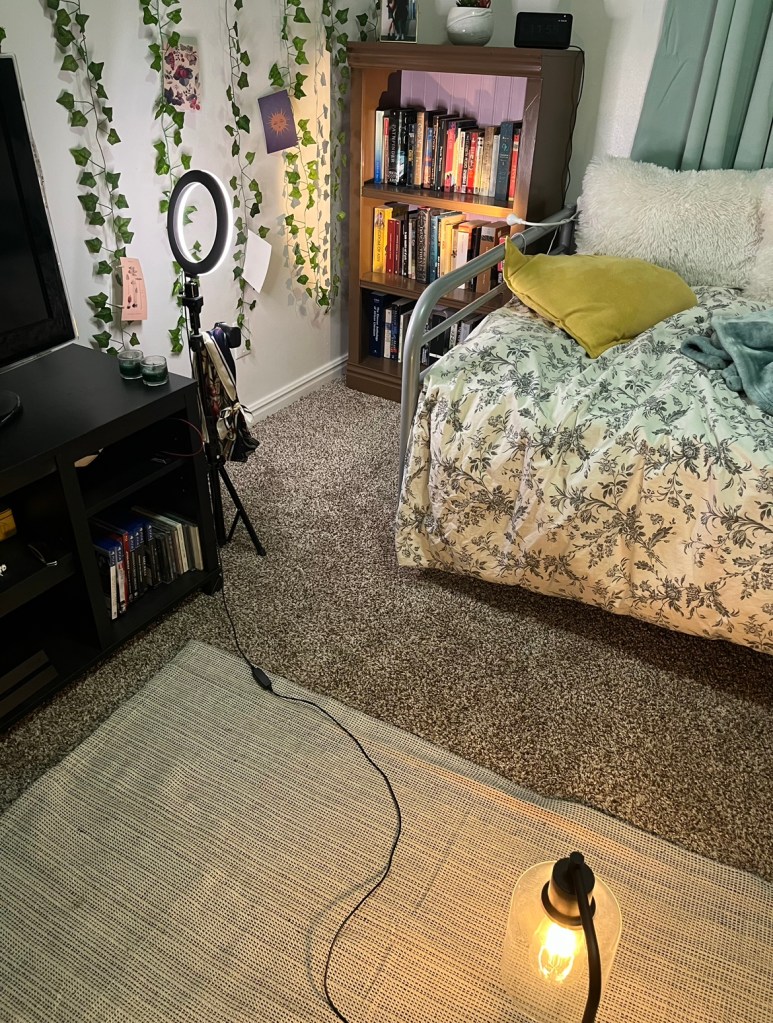
Lighting was my next step. I used mirrors, lamps, and windows to create a diffused yellow light on my face throughout the video. I had to time it for when the light came through the window at the right angle and used no less than three lamps for the final effect. It was worth it, however, and the video quality came out exactly as I had envisioned.
That was the easy part. The next step was audio. After what felt like HOURS of searching, I finally found royalty-free instrumental audio that was easily looped and matched well with the content of the video. Once I had that audio added and edited it was time to move on to the next step, video editing.
This was where the big guns came out, editing software. I ended up using two different video editing software to create the final effect. The first was iMovie, where I edited sound and added transitions between the video clips. Then I moved on to Shotcut. This one was a bit more tricky for me to figure out. Still, with time, I was able to make my portrait video into an interesting and interactive landscape that was compatible with YouTube.

All in all, this was a very fun process. Video editing may just become another hobby of mine as I have already found myself creating more videos just to build up my practice with the software!
 Leah Dudley
Leave a comment